AdapTable 22.0 Released
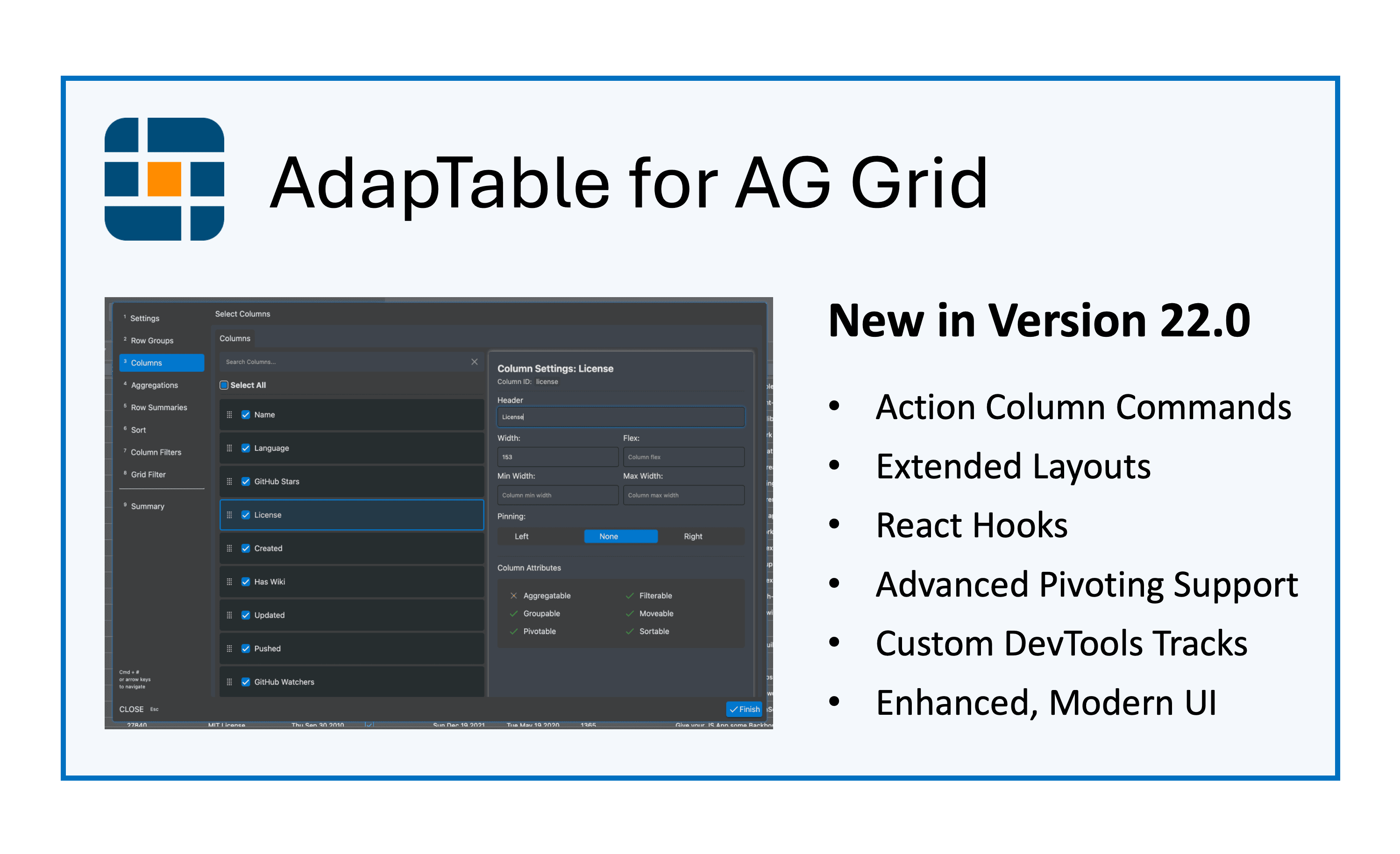
Command Buttons in Action Columns, saveable Pivot Result Columns, better support for Extended Layouts, 3 new React Hooks and a refactored UI (using Tailwind and Css layers)
Today we released AdapTable 22.0, the latest version of our market-leading AG Grid extension.
AdapTable 22.0 is a major release and supports AG Grid v.35.0
Breaking Change
- V.22 has breaking changes regarding importing types, root css file, and
Nameprop in Initial State - These are described in full in the Version 22.0 Developer Release Note
Like all releases, AdapTable 22.0 contains many new user-requested features including:
- To Do at end together with links on this page
The main focus in AdapTable 22 has been on the User Interface, making it easier than ever for developers to enhance and extend what we offer with custom themes and colour schemes.
We've introduced Action Column Commands and improved our Row Forms, which will allow our users to edit their data more quickly, efficiently and safely than any other DataGrid on the market.
And we are delighted that we now offer the ability to save the custom order of Pivot Result Columns, the number one request from our advanced financial clients.
Danielle Nagler, CEO, AdapTable ToolsAction Column Commands
something here
Layouts
Version 22 contains a number of user-requested enhancements to Layouts.
Note
Layouts are central to AdapTable, managing Column behaviour and properties in Table and Pivot views
Layout Editor
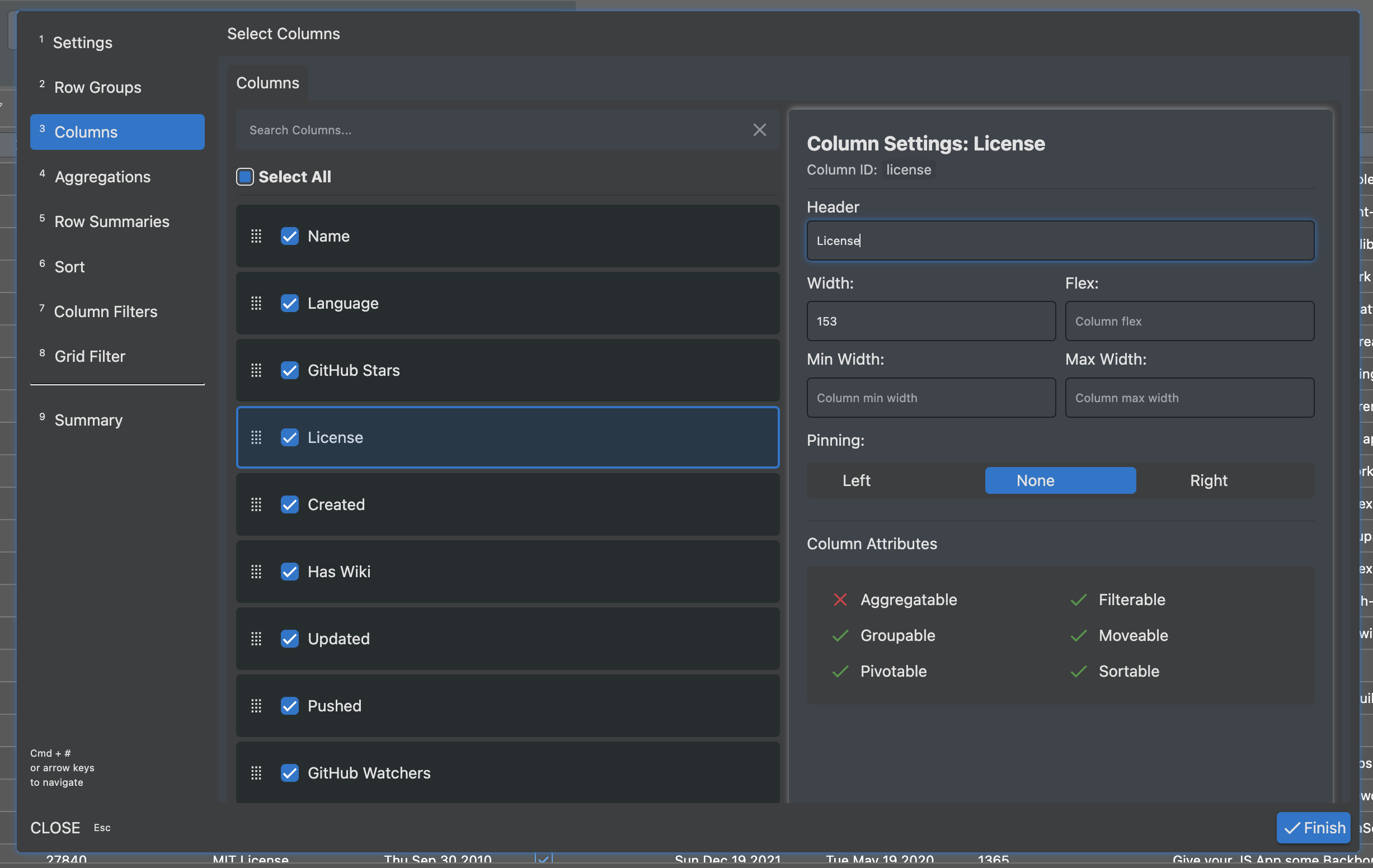
The Layout Editor (the UI Component which creates Layouts) has been given a makeover.
In particular, it is much easier to see the properties of a Column, and make any required edits.
Extended Layouts
Extended Layouts allow users to associate other functionalities in AdapTable - typically styles, formats and custom sorts - to a given Layout.
We have added a range of functions to Layout API which enable Extended Layouts to be more easily shared, cloned and displayed.
Pivot Result Columns
It is now possible to save the order of Pivot Result Columns.
Note
- Pivot Result Columns are the unique combination of a Pivot Column Value and Aggregation Column
- AG Grid creates them dynamically when the Grid is Pivoted and their order is not normally saved
This was the most popular request from our advanced financial users.
only Aggregation Function
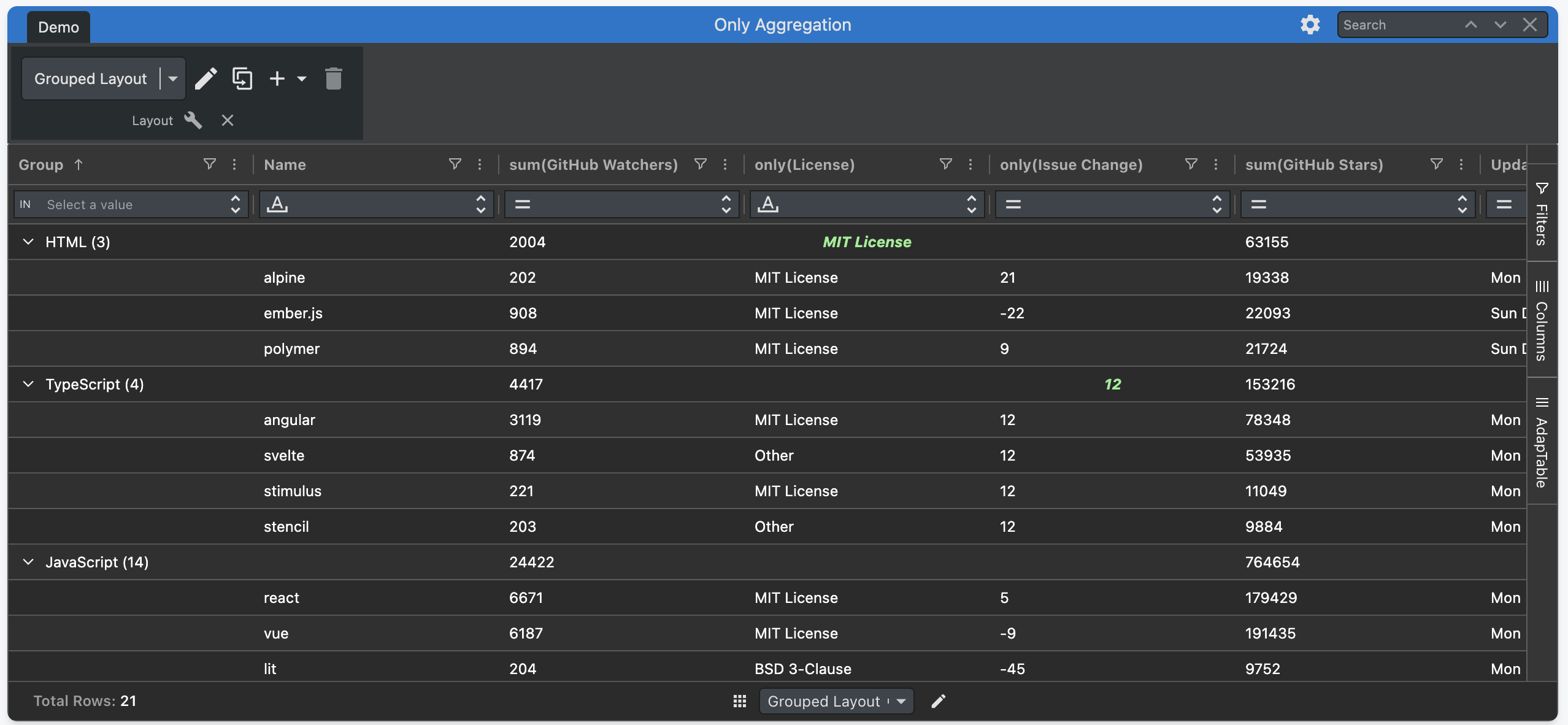
AdapTable 22 contains a new `only` aggregation function available in Grouped Layouts.
Note
This is in addition to the ONLY aggregation function in AdapTableQL, used in Calculated Columns
The function returns a value if there is one, and only one, result in the aggregated data.
Hint
- Layouts also support the aggFuncs provided by AG Grid (
sum,avg,min,max,count,first,last) - And additionally
WEIGHTwhich is provided by AdapTable to support Weighted Averages
DevTools Chrome Profiler
React Hooks
Hiding AdapTable UI
AdapTable 22 provides 2 companion functions to hide and show the AdapTable UI.
Hint
- These functions enable developers to create a single package containing AdapTable and AG Grid
- And then each individual application and DataGrid can hide / show AdapTable as required
These functions will hide / show all AdapTable UI components:
Note
The one exception is AdapTable's Column Filtering components, which remain in operation throughout
UI Changes
Version 22 includes many changes and improvements to the AdapTable UI including:
- the introduction of tailwind
- using CSS Layers
- changes to CSS Variables (primarily removable of redundant items)
Note
- These changes are primarily internal and won't directly affect the user experience
- But they make it easier for developers to extend the AdapTable UI and provide custom themes
Get Started
If you are an existing AdapTable user, simply download the latest version from npm.
Like all AdapTable releases, v.22 is available in 4 framework flavours:
- TypeScript (the default)
- AdapTable React
- AdapTable Angular
- AdapTable Vue
If you’re not yet using AdapTable, please get in touch to learn how AdapTable extends AG Grid to help you access, manage, edit and visualise your data in ways no other DataGrid solution allows.
You can also download a free no-obligation trial licence so you can try out AdapTable for yourself.
AdapTable Resources
- AdapTable 22 Technical Release Note
- Do the rest at the end